


Chart With Two Trendlines
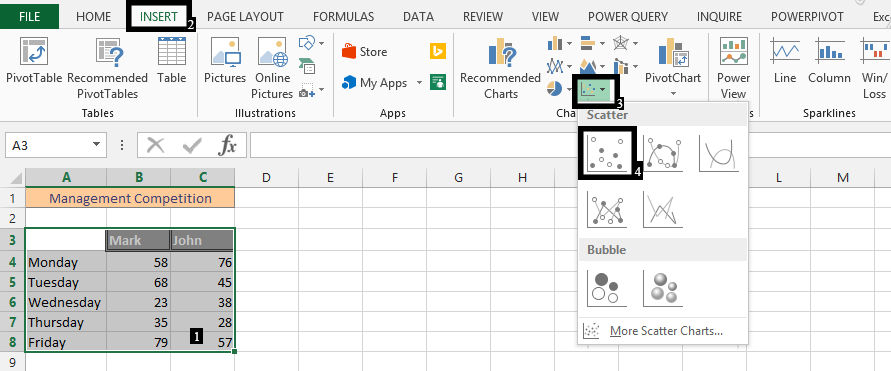
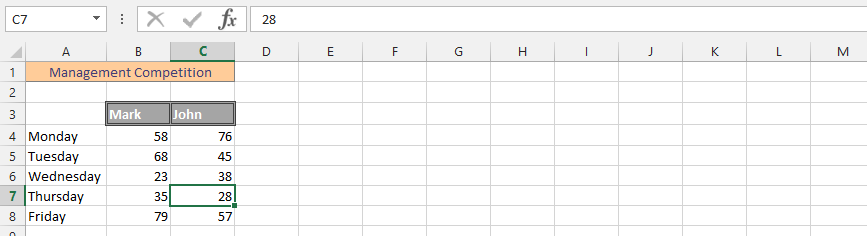 1. Mark the data (1), click insert (2), and then choose the scatter chart (3), and finally choose a scatter chart without marker (4).
 2. Right click on any of the series (1), and choose add trendline (2).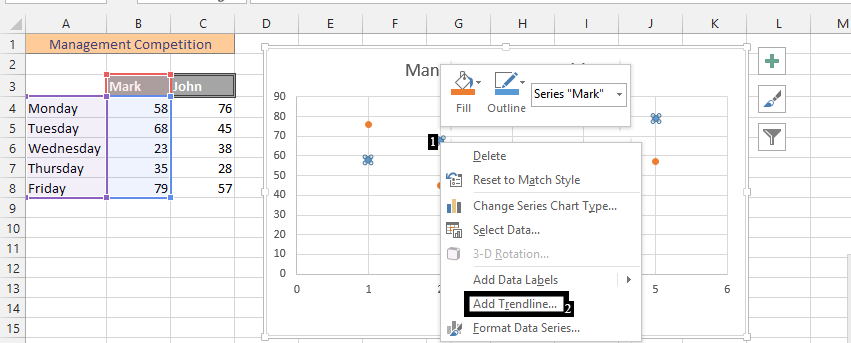
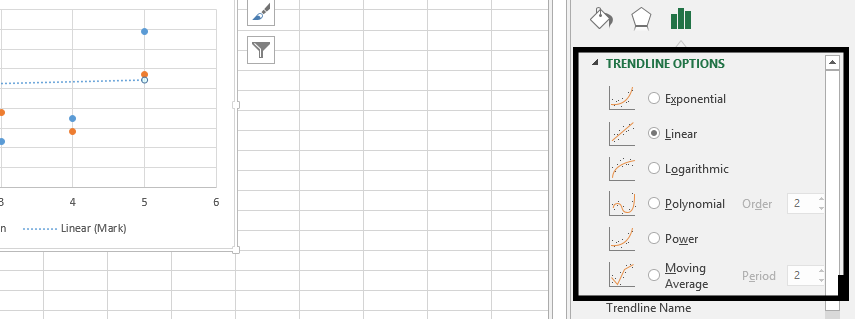
3. Decide the type of trendline you would like.
4. Scroll down, and choose if you would like to display anything like equation or R-squared value.
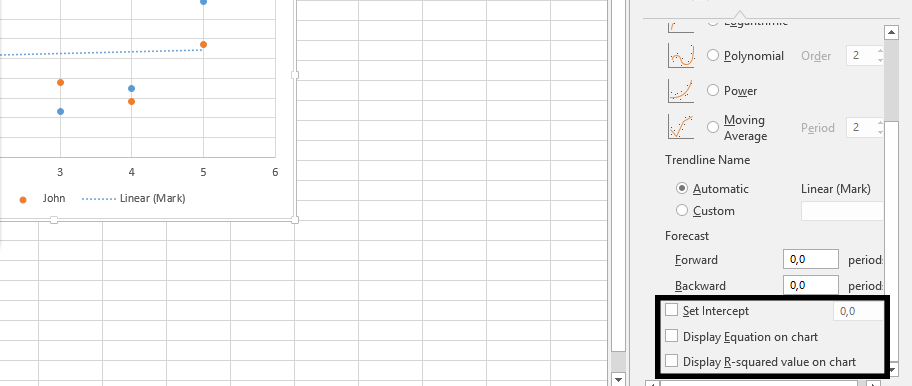
Note: Repeat step 2 to four to add the second trendline.
By following these steps, you would have a result that is very similar to this:
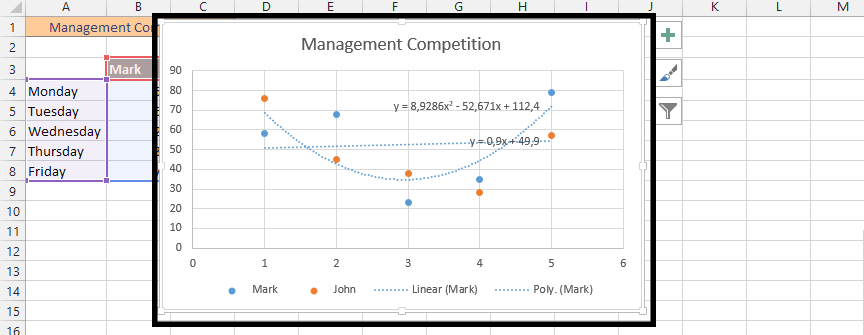
Second trendline has been added to the chart.
Template
You can download the Template here – Download
Further reading:
Basic concepts
Getting started with Excel
Cell References


