


Excel Fill Handle with Text and Numbers
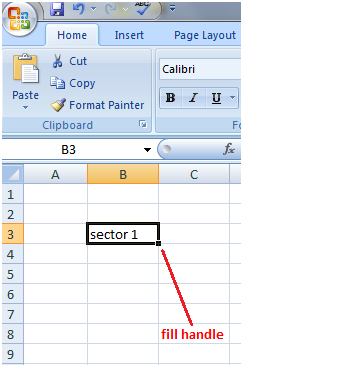
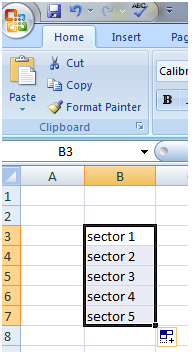
Fill handle also works with cells containing both text and number. In this case, the text does not change but the number increases by one for every cell you select. See the images:
Fill handle also works with cells containing both text and number. In this case, the text does not change but the number increases by one for every cell you select. See the images:


