


Calendar Template in Excel
1.Click file, and then new.
2.Click Personal.
 Note: If you do not see the personal, please search for it in the “Search for online template”. Or even better, search for “one year calendar”.
3. Browse through the templates and click on “one year calendar”.
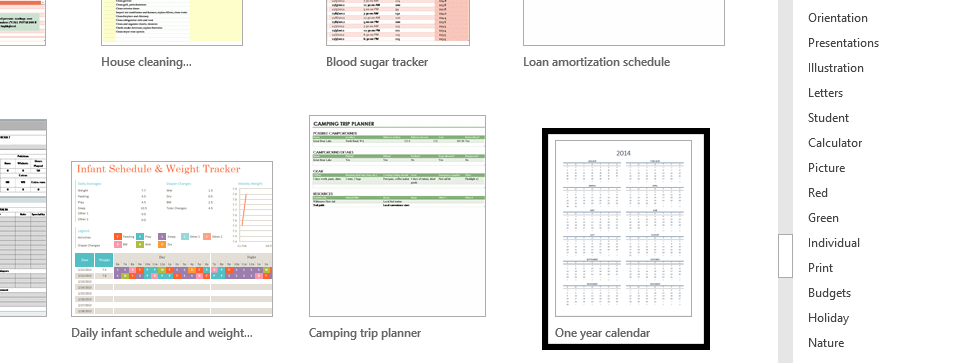 4. Click Create.
 5. Click on the arrow until it reaches desired year (1), and when you’d prefer the week to start (2).
 Note: The desired day that people normally choose for “week start day” is Sunday or Monday.
Template
You can download the Template here – Download
Further reading:
Basic concepts
Getting started with Excel
Cell References


