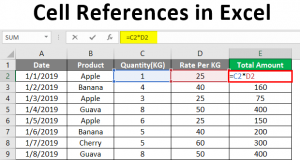
This page teaches you how to convert an Excel file to a PDF file.
1. Open a workbook.
2. On the File tab, click Save As.
3. Click Browse.

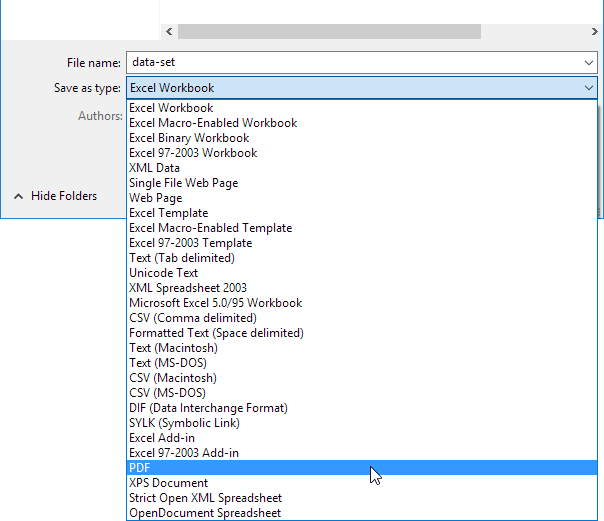
4. Select PDF from the drop-down list.
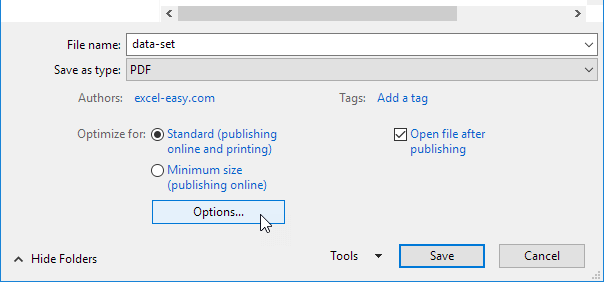
5. Click Options.
6. You can publish a selection, active sheet or entire workbook.

7. Click OK and then Click Save.
Next Chapter: Protect