


Skip Blanks
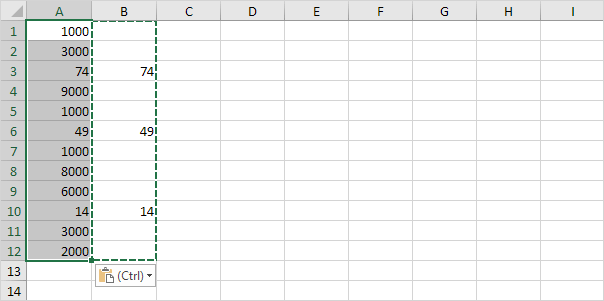
Use the ‘Paste Special Skip Blanks‘ option and Excel will not overwrite existing values with blanks.
1. Select the range B1:B12.
2. Right click, and then click Copy.

3. Select cell A1.
4. Right click, and then click Paste Special.
5. Check Skip Blanks.

6. Click OK.
Next Chapter: Formulas and Functions


