


Combining Data from Multiple Sheets into one file
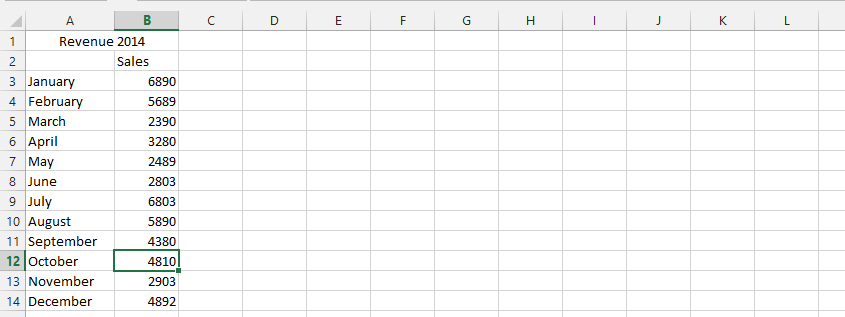 2. Choose the function you’d like (1), and then click on the cells symbol (2).
3. Click on spreadsheet (sheet1).

4. Mark all the data (1), and then click expand (2).
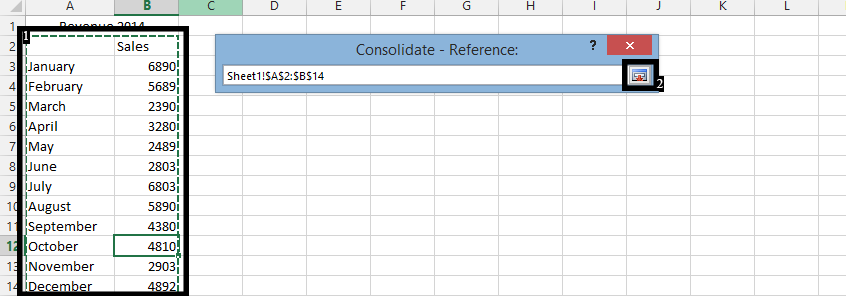
5. Click Add.

Note: repeat step 2 – 4 for the other spreadsheets. Then remember to check on where you would like to have the labels. You should also make sure that the spreadsheet you are following these steps on is empty.
Template
You can download the Template here – Download
Further reading:
Basic concepts
Getting started with Excel
Cell References


